Find anything you've copied
Text, images, links, and files are saved automatically. Filter by type or search.

A clipboard manager for the Mac, done right
Automatically records the text, links, files, and images you copy — search and recall anytime. Sticky notes, image annotation, on-device recognition, privacy lock, and Sequential Paste are all built on top of that.
Text, images, links, and files are saved automatically. Filter by type or search.
Pin a screenshot as a note and mark it up right there.
Text, QR codes, and barcodes are recognized on your Mac.
You can also bind notes to an app so they show up when you switch to it.
Turn on preview verification to require Touch ID or your password.
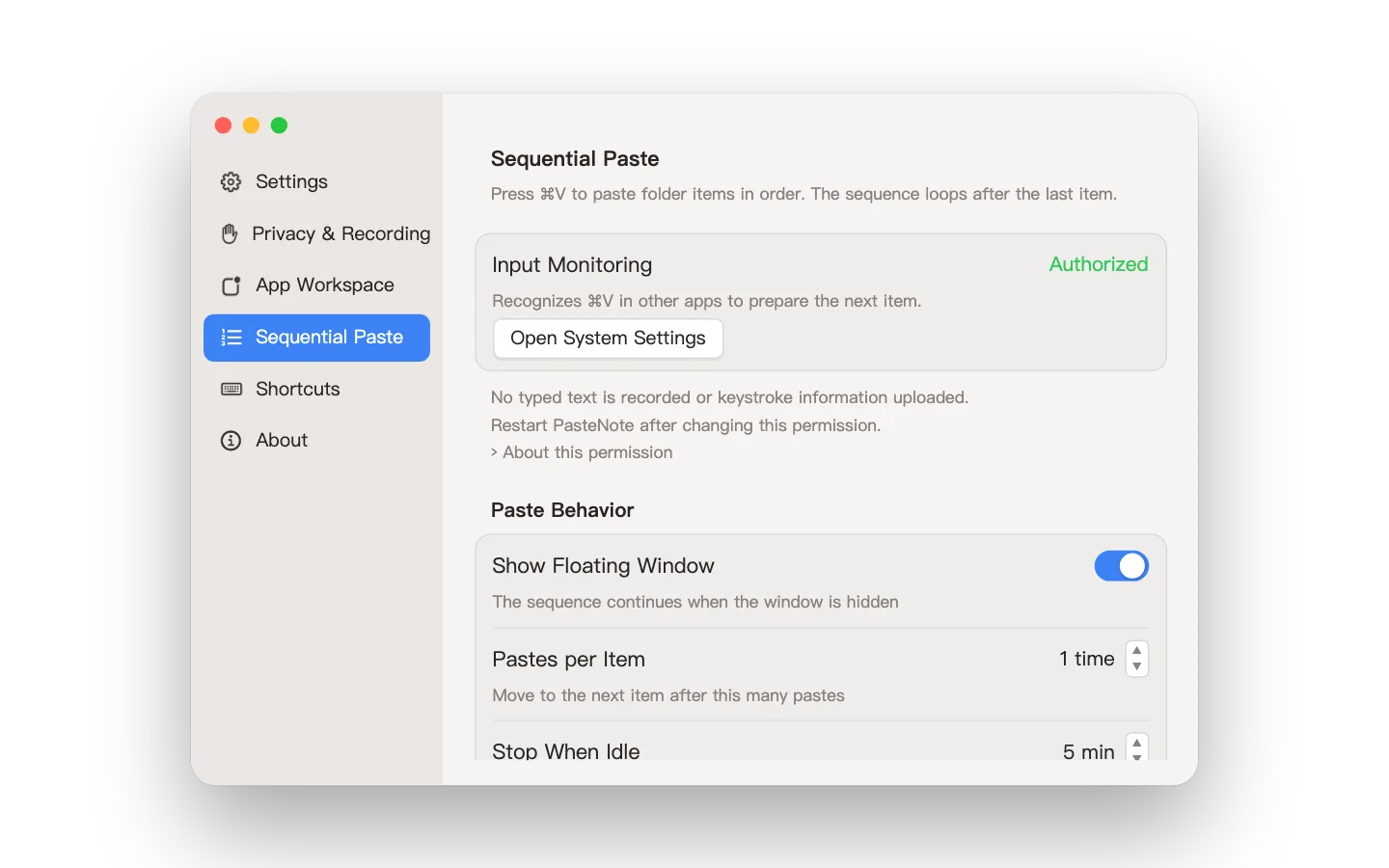
Each ⌘V pastes the next item, looping back after the last.
How it works
Automatically records the text, links, files, and images you copy — search and recall anytime.Instant recall with ⌘1–9, plus search and categorization.Selecting a history item writes it back to the system clipboard for you to paste manually in the destination app.
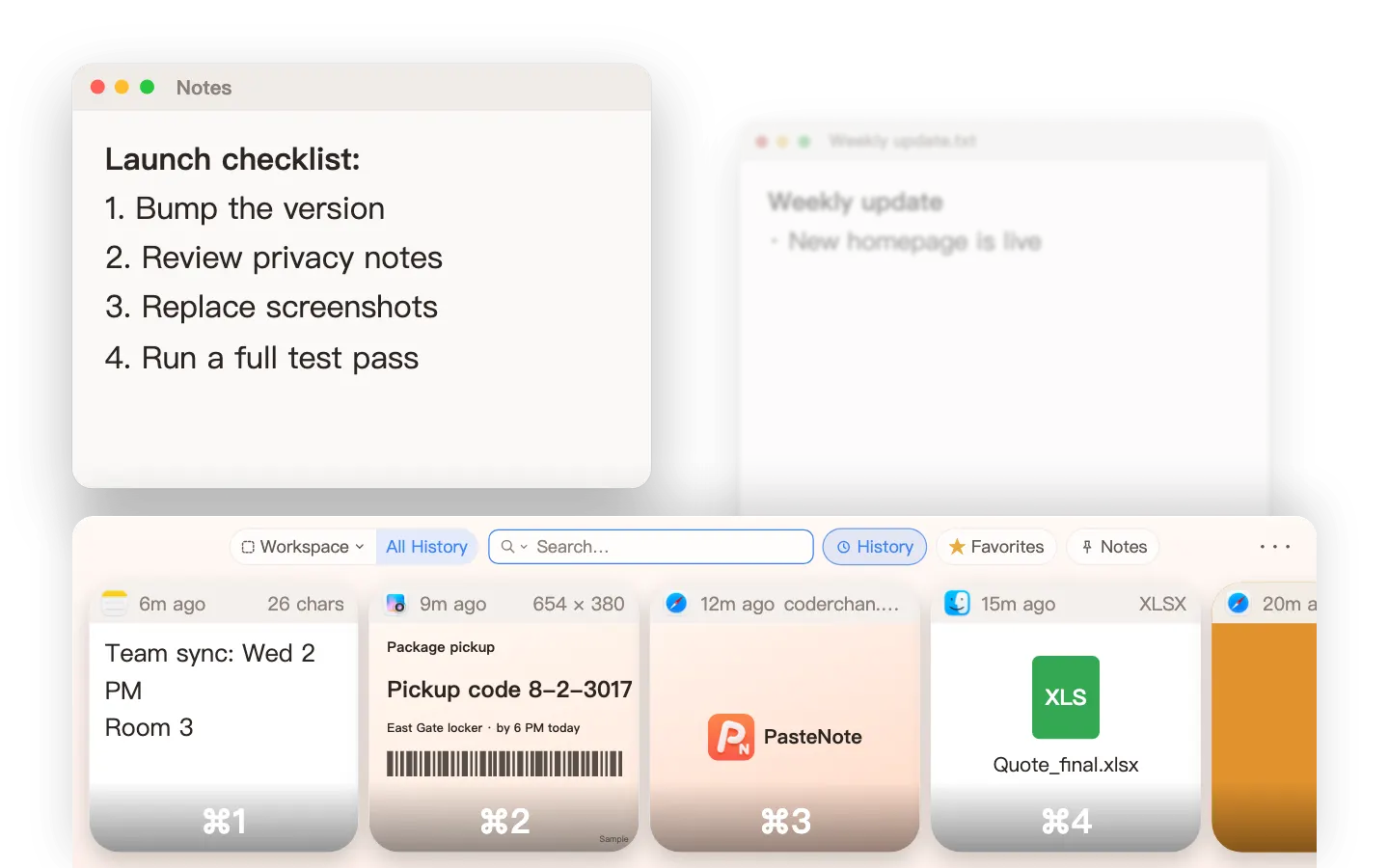
Bind a note you only need in one app to that app: it shows up when you switch to it and hides when you leave.
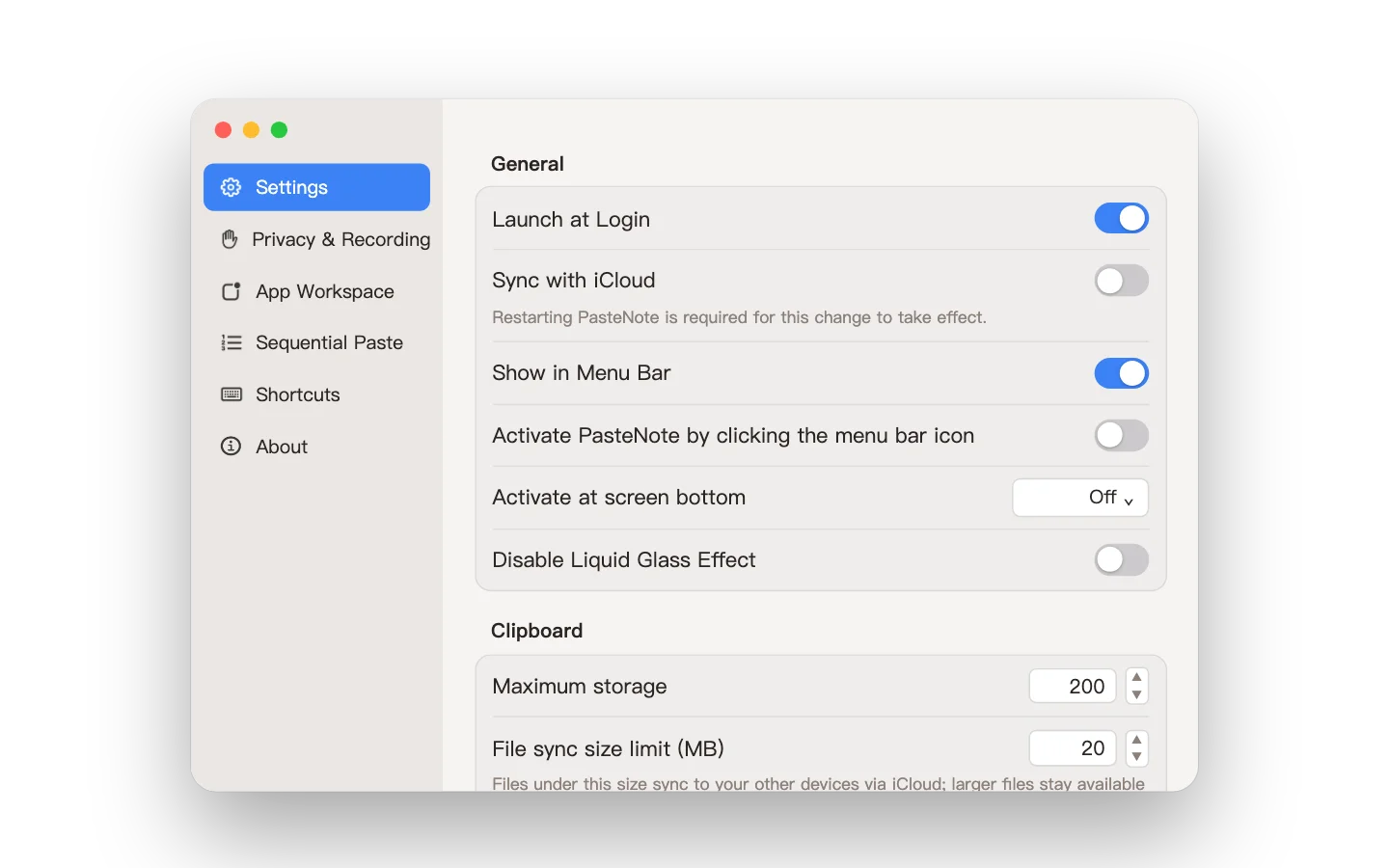
Start PasteNote automatically when you log in, so you never miss your first copy. Turn on personal iCloud sync to keep your history and notes in sync across your Macs. History has a size limit, and the oldest items are cleaned up automatically once it's reached.
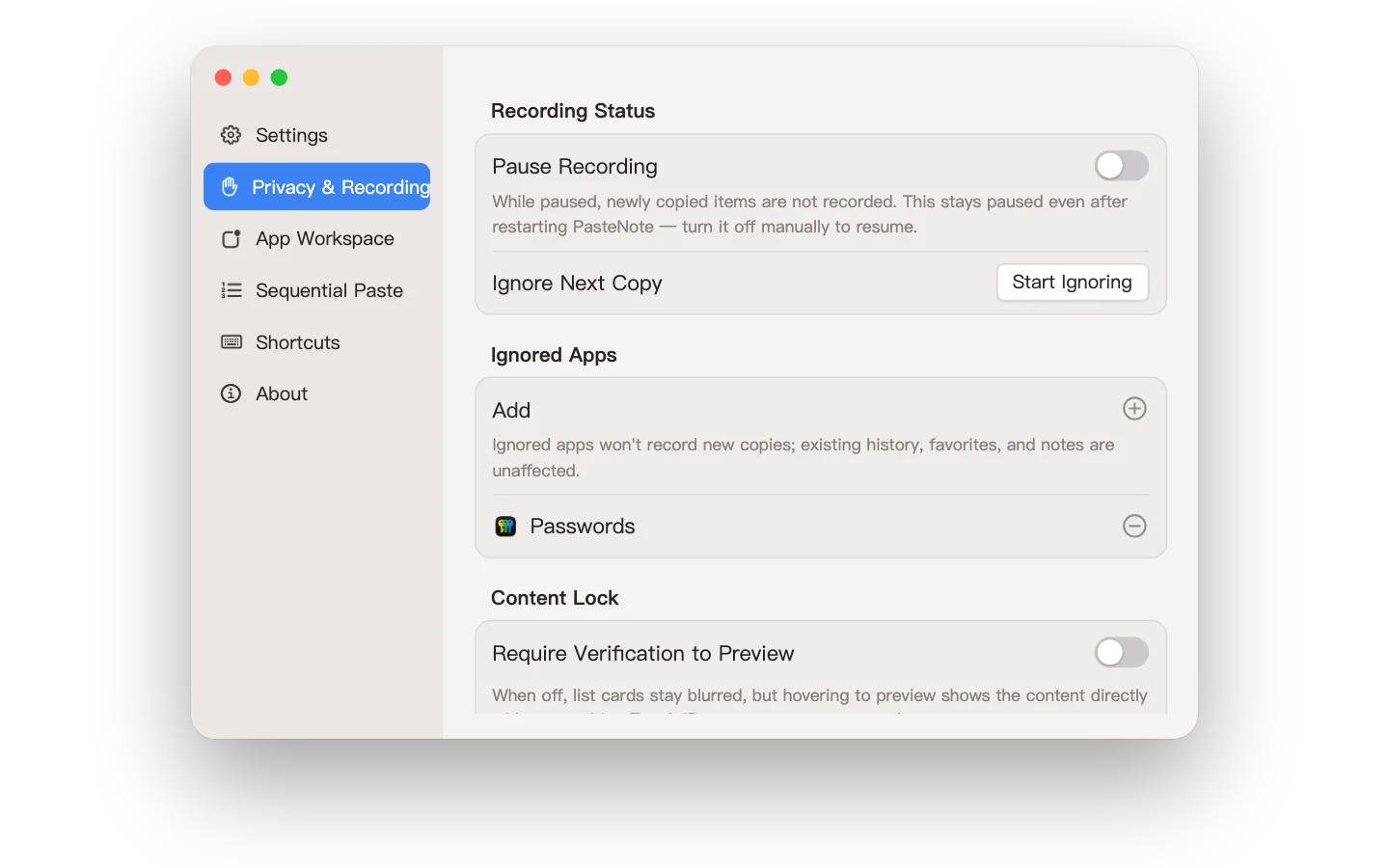
Pause recording when you don't want what you copy in your history, skip just the next copy for a one-time code, or add an app to the ignore list so nothing you copy there is recorded.
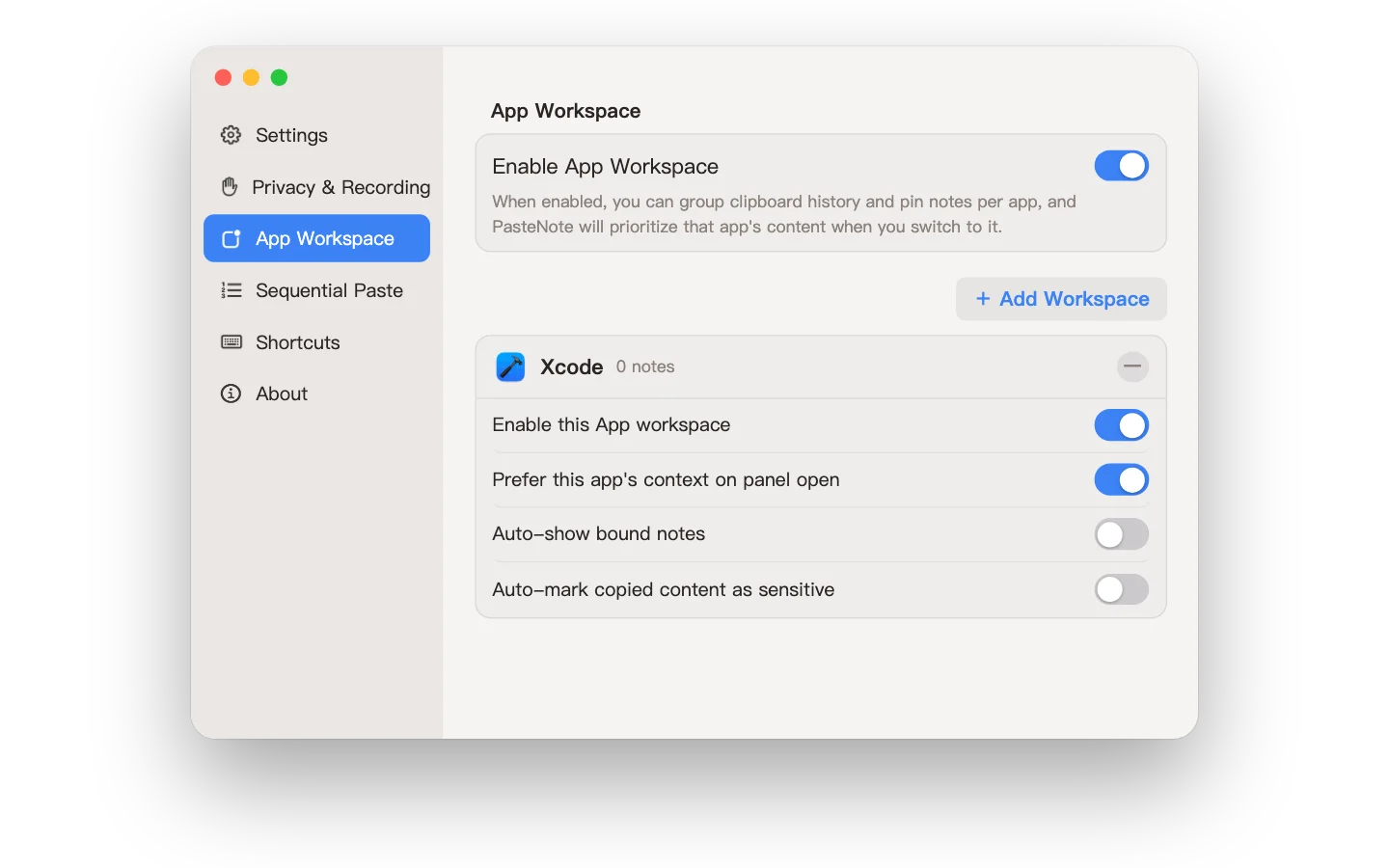
Create a workspace for an app you use a lot, and whatever you copy in it is grouped together automatically. Open the panel in an app and see that app's items first.
Use Sequential Paste when you need to paste a set of items one after another into a form or spreadsheet. It needs to recognize the ⌘V you press in other apps, so it asks for Input Monitoring permission first. You can also paste each item several times, or have the sequence stop on its own when you’re idle.
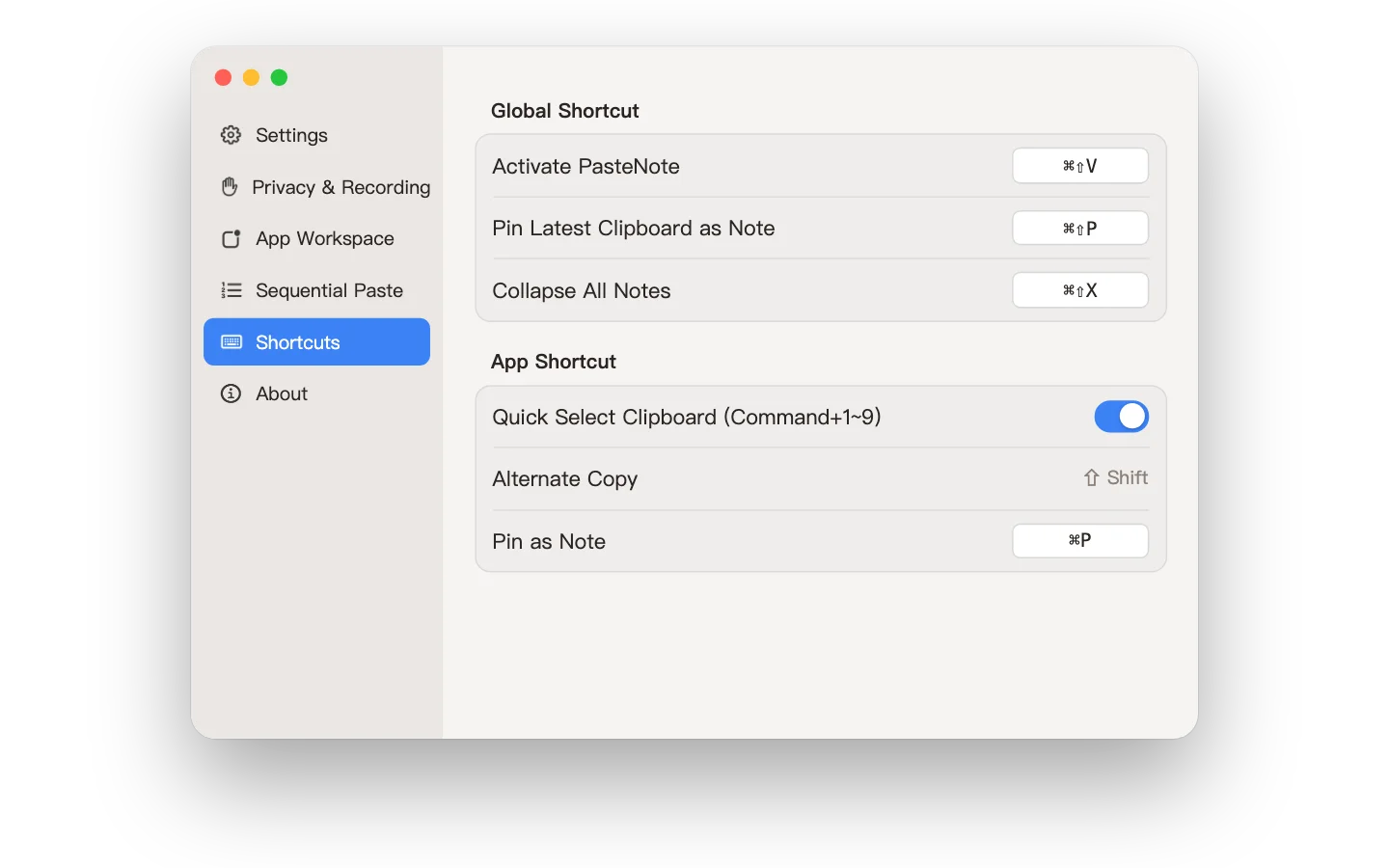
Change the shortcuts you use most to whatever feels natural.
PasteNote runs in an app sandbox, and all processing happens on-device. We collect no data — your content always belongs only to you.
Nothing is uploaded to the developer’s servers. Data is stored on your Mac by default; if you turn on iCloud sync, it syncs to your own iCloud account.
Yes, off by default. Turn it on in Preferences → General, then restart PasteNote for the change to take effect. Sync goes through Apple iCloud, not the developer’s servers.
PasteNote is now available on the Mac App Store. Download it from the store to get started.
Selecting a history item writes it back to the system clipboard for you to paste manually in the destination app. The App does not request or use Accessibility access or simulate paste keystrokes. Only the optional Sequential Paste asks for Input Monitoring permission, to recognize the ⌘V you press; without it, clipboard history and manual copying still work.